
Get started as a professional

Seven quick steps, from your account to your first booking.

  1. 1Register
  2. 2Log in
  3. 3Booking link
  4. 4Hours
  5. 5Payments
  6. 6Video
  7. 7Share
Step 1

Create your account

Open app.meetnsync.com, select Register Now, and fill in the form.
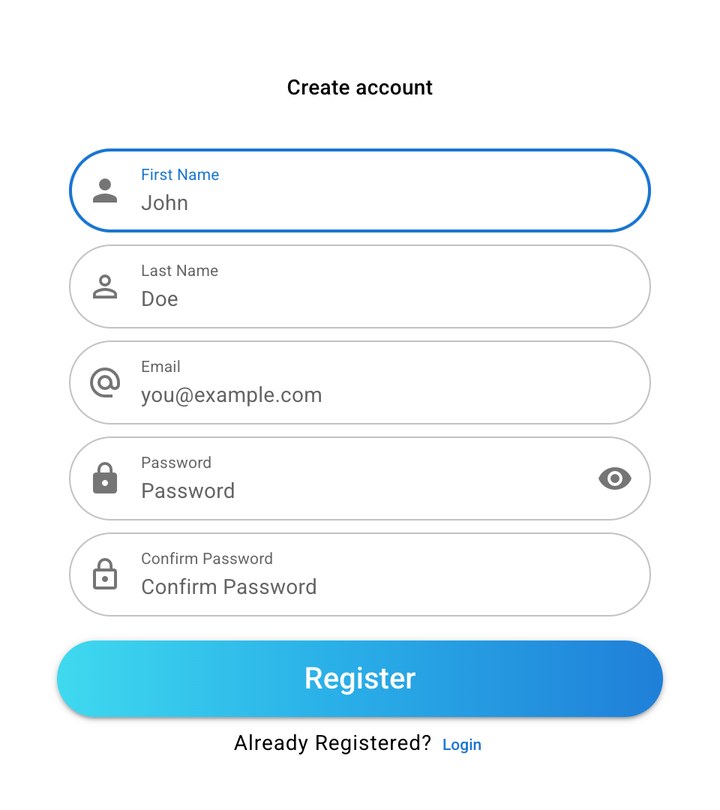
  • First and last name
  • Email and password
  • Select Register
app.meetnsync.com
The Meet N' Sync Create account form with First Name, Last Name, Email, Password, and Confirm Password fields and a Register button
Step 2

Log in

Use the same email and password. On your phone, get the app on Google Play.
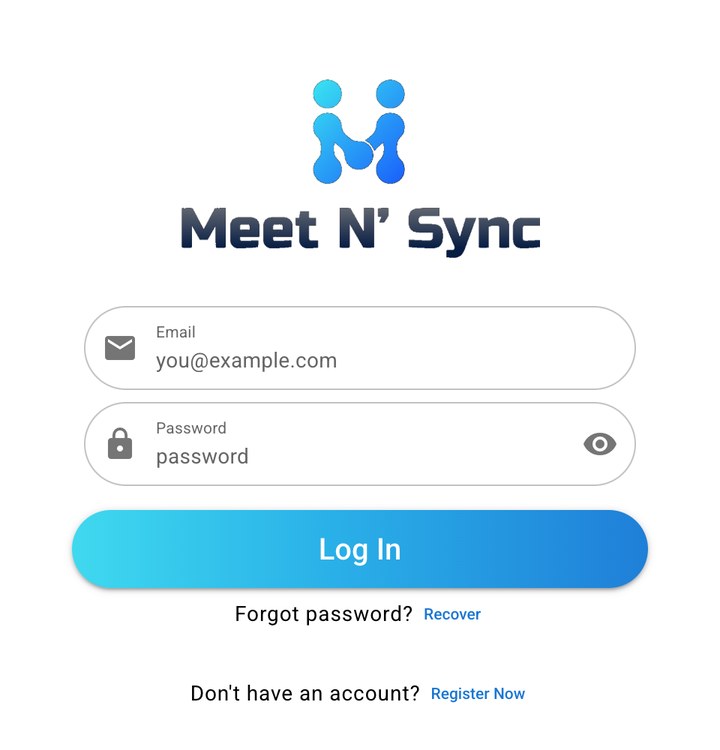
  • Forgot it? Select Recover
app.meetnsync.com
The Meet N' Sync login form with Email and Password fields, a Log In button, and links to Recover and Register Now
Step 4

Set your hours

Choose the days and times you take appointments. Clients only see these hours.

Step 5

Add how you get paid

For paid links, turn on the methods you accept. Clients pay, enter the transaction ID, and you confirm it.

Step 6 · Optional

Connect Google Meet or Zoom

Every appointment gets a video link. Appointments still work before you connect.

Step 7

Share your link

Copy your booking link and send it anywhere. Clients pick a time and confirm, no account needed.

Ready for your first booking?

It takes about five minutes.